A job offer arrives
PlusHeat doesn’t assign jobs to your company. It offers them. An offer is one job, with the customer’s preferred dates, sent to you because your company covers that area and category. You accept a date or you decline, and either way the customer is told the same day.
Where offers arrive
Section titled “Where offers arrive”- Email — always. The subject is the job number and postcode; the dates are buttons you can press straight from the email.
- SMS — to the primary manager’s phone, if it’s switched on under Notifications.
- Push — on any phone or computer where you’ve turned notifications on.
- In the app — if you’re already looking at the board, the offer opens over it.
From the email
Section titled “From the email”Press the date that suits and the offer page opens.
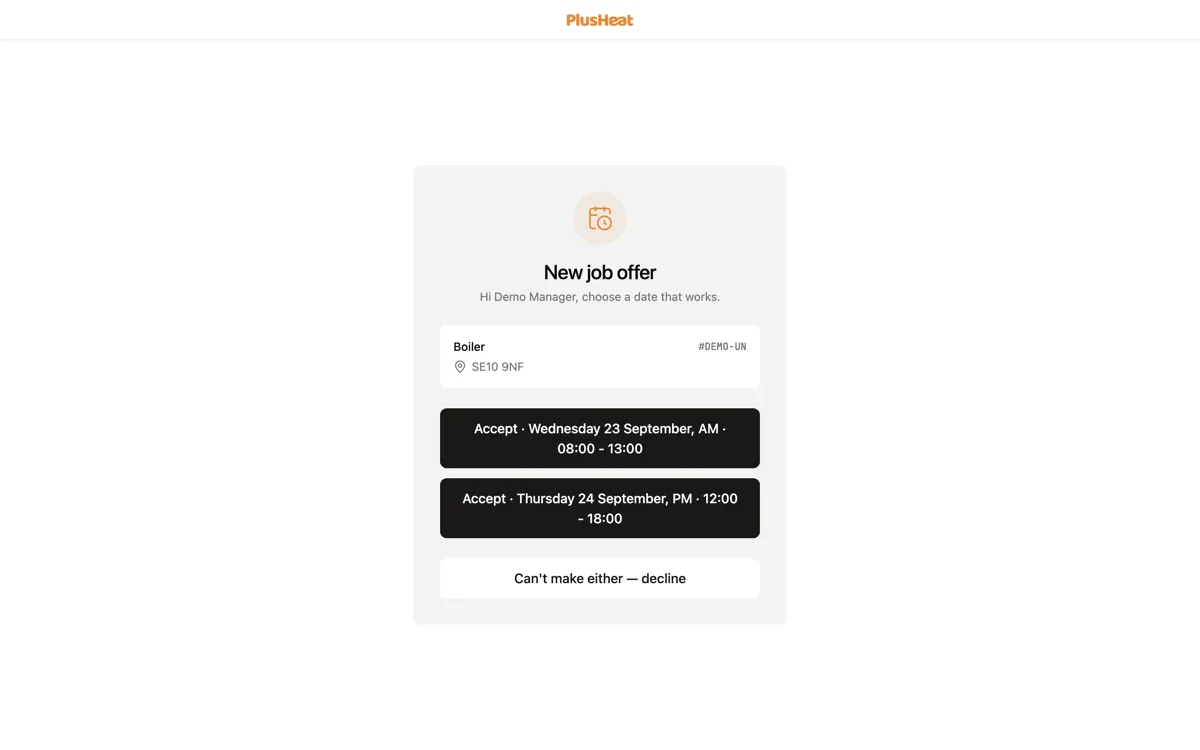
Each button is a full commitment: the day, and the window — AM · 08:00 - 13:00, PM · 12:00 - 18:00, or All day · 08:00 - 18:00.
- Signed in to PlusHeat on that phone or computer? Press a date and it’s accepted. There’s no second confirmation.
- Not signed in? The page opens with your date ready and a Confirm button. Press it and the job is yours.
That extra tap is on purpose. Many companies’ email security opens every link in an email to check it’s safe, and without the step it would accept jobs for you. The Decline button in the email works the same way: signed out, it opens the page and you press Decline there.
The page itself needs no sign-in, so it still works from a phone that isn’t yours and from the van.
In the app
Section titled “In the app”If you’re on the board when an offer lands, it opens in front of it.
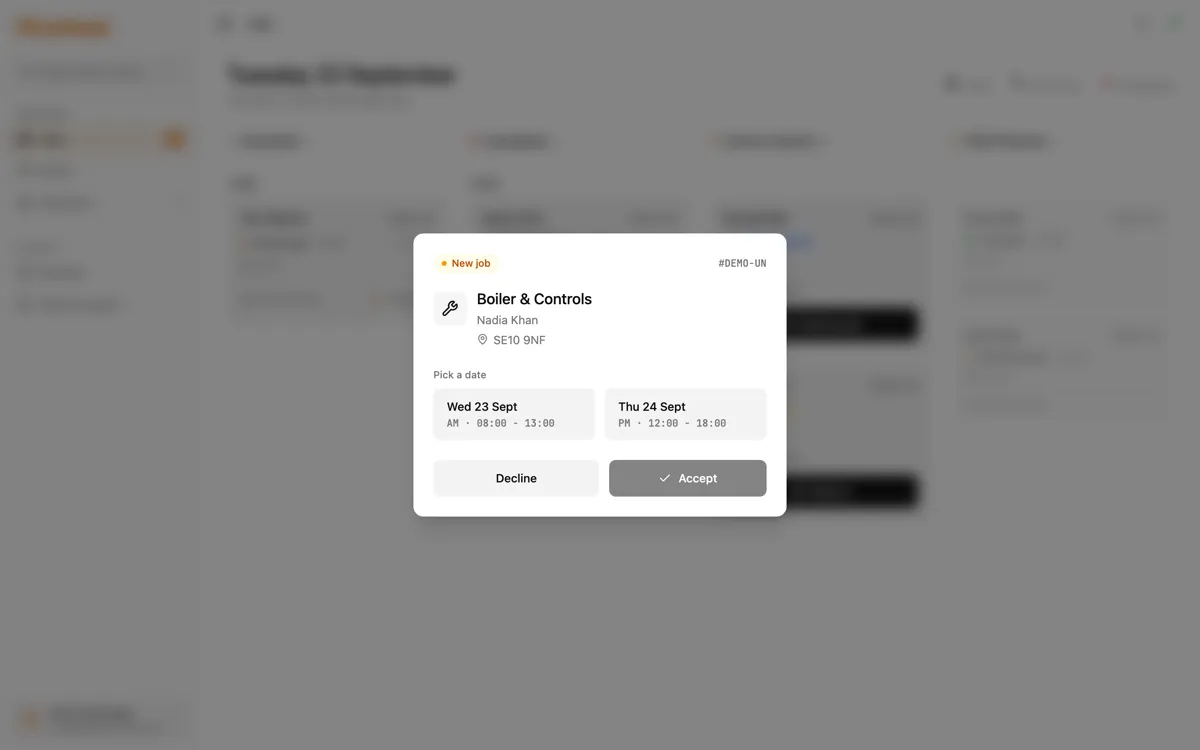
Same choice: pick a date, or Decline. You can’t dismiss it and come back to it — that’s deliberate, because an offer that sits is a customer waiting.
After you accept
Section titled “After you accept”-
The job appears in your Unassigned column.
-
The customer gets a confirmation for that date, the same day.
-
No engineer is on it yet — that’s Assigning an engineer.
Declining
Section titled “Declining”Press Decline. It goes to the next company immediately.
Declining is never held against you. Letting an offer expire slows the customer down, so decline the moment you know you can’t do it.