Sign in
You don’t sign up. Your account is created for you — by PlusHeat when your company joins, or by your own primary manager. When it exists, you’ll have an email saying so.
Your first sign-in
Section titled “Your first sign-in”Go to app.plusheat.io and type the email your account was set up with.
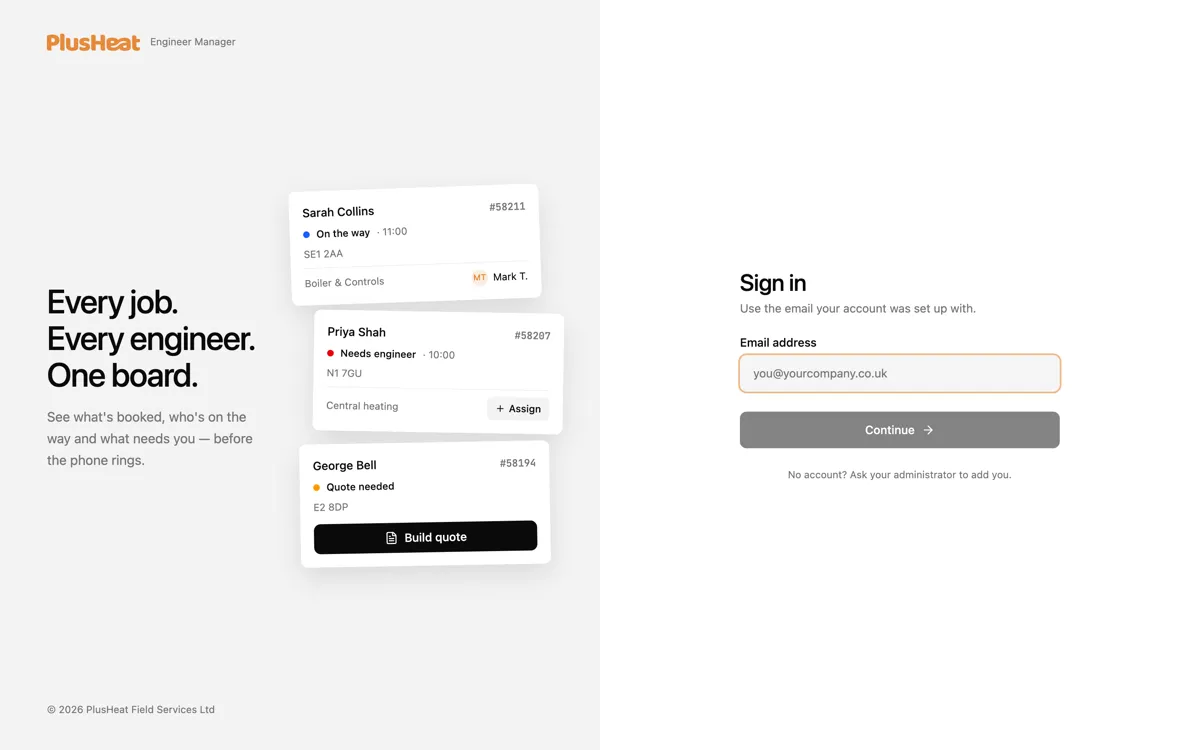
Press Continue and the app asks for your password.
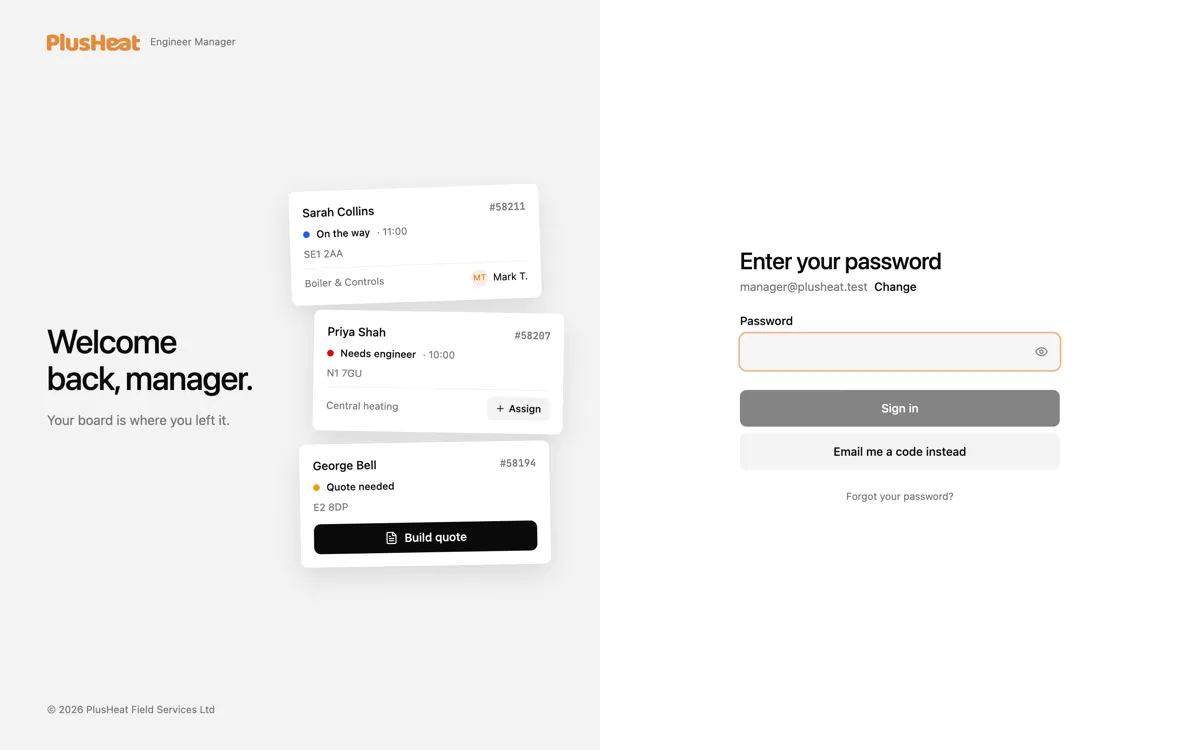
-
If you have a password, type it and press Sign in.
-
If you don’t — and you won’t, the first time — press Email me a code instead.
-
A six-digit code arrives within a few seconds. Type it in; the page moves on by itself when the sixth digit lands.
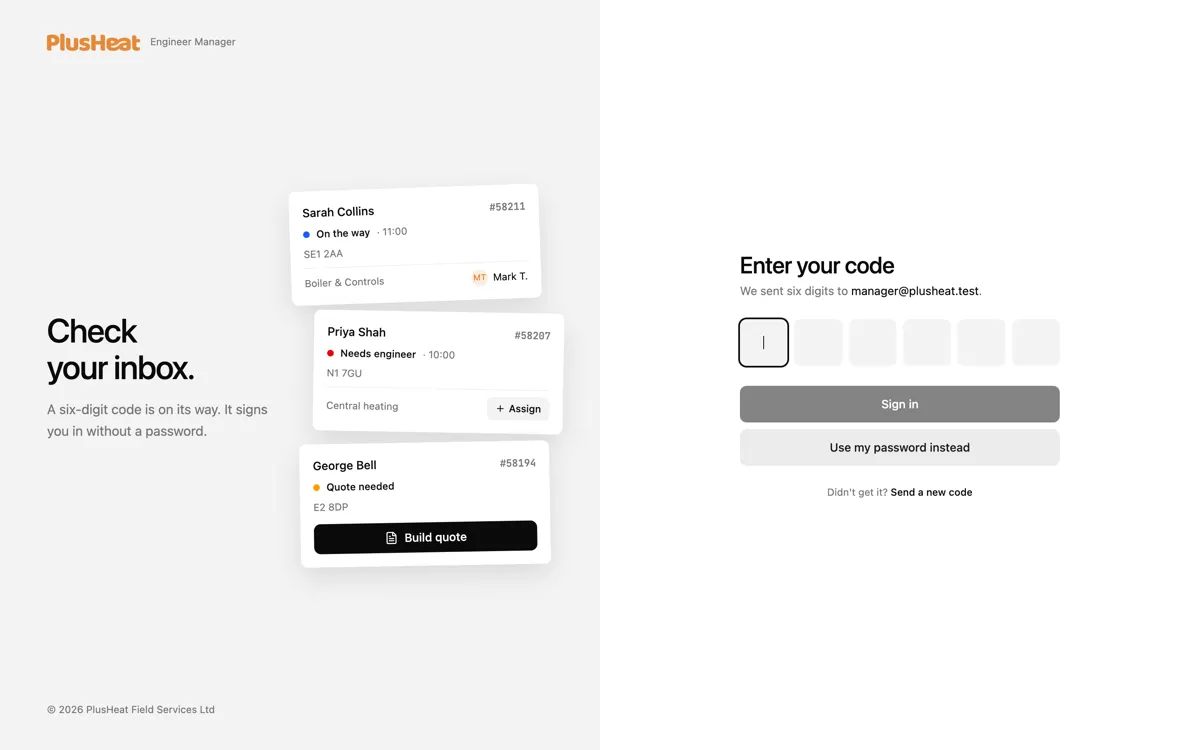
That’s it. You stay signed in on that device.
Setting a password
Section titled “Setting a password”Codes work forever, so a password is optional — plenty of managers never set one.
If you’d rather have one, press Forgot your password? on the password screen. The label is misleading the first time: you haven’t forgotten anything, you’ve never had one. It’s the same route either way — PlusHeat emails you a link, and the link opens a screen where you choose a fresh password.
After that both routes work: your password, or a code.
Put it on your phone
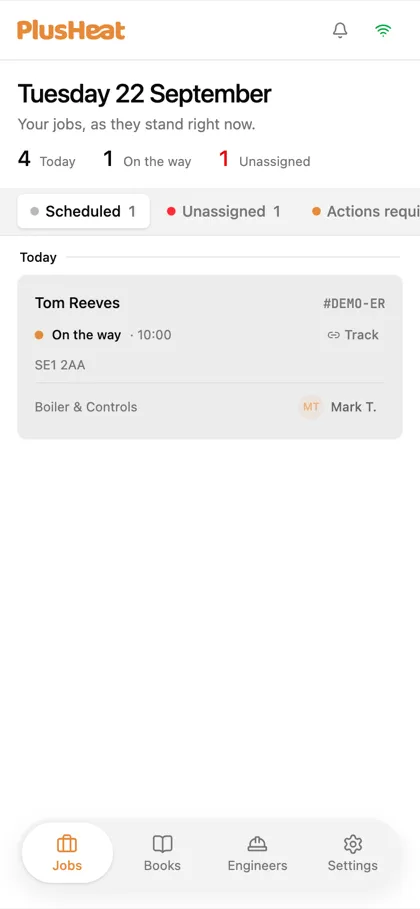
Section titled “Put it on your phone”The manager app works as an app on your phone, with push notifications for new offers.
- iPhone: open app.plusheat.io in Safari, tap Share, then Add to Home Screen.
- Android / desktop Chrome: tap the download icon in the top bar, or Install in the browser menu.
You’ll find the same steps under Settings › App version inside the app.
Signing out
Section titled “Signing out”Bottom of the sidebar (or the Settings tab on a phone) → your name → Sign out. Do this on any shared device.
Can’t get in?
Section titled “Can’t get in?”| What you see | What it means |
|---|---|
| “No account? Ask your administrator to add you.” | Your email isn’t on any account yet. Ask your primary manager to add you under Settings › Managers. |
| “This account has been deactivated.” | Your company’s account has been switched off in PlusHeat’s system. Contact support@plusheat.co.uk. |
| “Too many requests.” | More than ten codes were asked for from your connection in a minute. Wait a minute, then try once. |